Character Creator 5
Learn how to use Character Creator 5
by TutorialMaster · 41 items
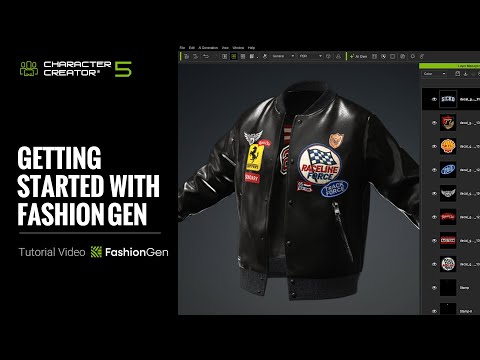
Getting Started with FashionGen
By using FashionGen, we can quickly create custom clothing and send the finished look back to Character Creator, where it can be saved as a reusable CC Cloth. Learn more: https://www.reallusion.com/character-creator/fashiongen/ Online Manual: https://manual.reallusion.com/character-creator-fashiongen-plugin/welcome.htm 00:37 Clothing Transfer and UI Introduction 04:14 Basic Workflow 09:23 Return to CC *Note: Assets shown in this tutorial serve only as reference material. ✦ How to Redeem? If you previously qualified for FashionGen during the early preview promotion, here’s how to redeem: 1. A FashionGen serial number has been issued to your account 2. Open Reallusion Hub 3. Navigate to the Character Creator Plug-in section 4. You’ll find FashionGen available for download and installation 5. Fabric 100 as a bonus content pack will be available in the Character Creator Smart Content Manager after installing the FashionGen plugin. 🎁How to Get FashionGen Now? FashionGen is still available for free as part of two limited-time promotions: 👉🏻 Now through Dec 31, 2025: Spend $99 or more on any CC content and get FashionGen for free 👉🏻 From Jan 1 – Jan 31, 2026: Spend $99 or more on CC Outfits and receive FashionGen for free ✦WATCH MORE Learn about Character Creator: https://www.reallusion.com/character-creator/default.html Learn about iClone animations: http://www.reallusion.com/iclone/default.html ✦FOLLOW US! Facebook: https://www.facebook.com/ReallusionSoftware/ LinkedIn: https://www.linkedin.com/company/94371 Twitter: https://twitter.com/reallusion Instagram: https://www.instagram.com/reallusionofficial/ Magazine: https://magazine.reallusion.com/ Forum: https://discussions.reallusion.com/ *Character Creator* TUTORIALS: https://courses.reallusion.com/home/character-creator MANUAL: https://manual.reallusion.com/Character-Creator-5/Content/ENU/5.0/01_Welcome/Welcome.htm #cc5 #charactercreator5 #fashiongen
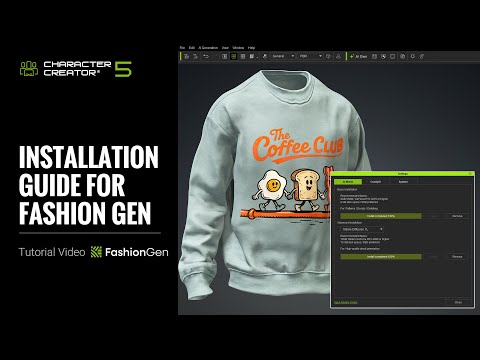
Installation Guide for FashionGen
FashionGen combines material tools and AI models to streamline clothing creation, enabling seamless patterns, detailed textures, realistic decals, and natural aging effects for higher-quality digital garments. Learn more: https://www.reallusion.com/character-creator/fashiongen/ Online Manual: https://manual.reallusion.com/character-creator-fashiongen-plugin/welcome.htm 00:14 Installing FashionGen 00:36 Downloading the Resource Pack 02:56 Installing ComfyUI & AI Models *Note: Assets shown in this tutorial serve only as reference material. ✦ How to Redeem? If you previously qualified for FashionGen during the early preview promotion, here’s how to redeem: 1. A FashionGen serial number has been issued to your account 2. Open Reallusion Hub 3. Navigate to the Character Creator Plug-in section 4. You’ll find FashionGen available for download and installation 5. Fabric 100 as a bonus content pack will be available in the Character Creator Smart Content Manager after installing the FashionGen plugin. 🎁How to Get FashionGen Now? FashionGen is still available for free as part of two limited-time promotions: 👉🏻 Now through Dec 31, 2025: Spend $99 or more on any CC content and get FashionGen for free 👉🏻 From Jan 1 – Jan 31, 2026: Spend $99 or more on CC Outfits and receive FashionGen for free ✦WATCH MORE Learn about Character Creator: https://www.reallusion.com/character-creator/default.html Learn about iClone animations: http://www.reallusion.com/iclone/default.html ✦FOLLOW US! Facebook: https://www.facebook.com/ReallusionSoftware/ LinkedIn: https://www.linkedin.com/company/94371 Twitter: https://twitter.com/reallusion Instagram: https://www.instagram.com/reallusionofficial/ Magazine: https://magazine.reallusion.com/ Forum: https://discussions.reallusion.com/ *Character Creator* TUTORIALS: https://courses.reallusion.com/home/character-creator MANUAL: https://manual.reallusion.com/Character-Creator-5/Content/ENU/5.0/01_Welcome/Welcome.htm #cc5 #charactercreator5 #fashiongen
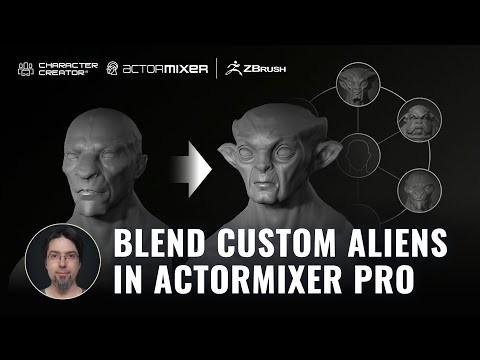
CC5 ActorMIXER Pro – Mix Custom Aliens Into Unlimited Characters
From three custom alien sculpts to an endless cast of hybrids—see how ActorMIXER Pro in Character Creator 5 transforms your characters into infinite variations. Build your own species, mix designs in seconds, and unlock the ultimate creative freedom. 🔗 Check the full article → https://magazine.reallusion.com/2025/09/24/mix-custom-aliens-into-infinite-characters-with-cc5-actormixer-pro/ 🔗 Check the previous video → https://www.youtube.com/watch?v=DiLcVr3smaU 🔗 Check CC5 page → https://www.reallusion.com/character-creator/zbrush/goz/default.html 🔗 Check ActorMIXER page → https://www.reallusion.com/character-creator/actor-mixer/ 🔗Oscar Fernandez's HD Alien MIXER pack is available now → https://www.reallusion.com/ContentStore/Character-Creator/3d-character/hd-alien-mixer/default.html 00:00 Introduction 01:02 Load a neutral base 01:40 Set basic proportions in CC5 03:00 Starting the sculpting process in ZBrush 04:09 Test with GoZ Plus 04:39 Real-time adjustments 05:05 Secondary and tertiary forms 05:55 Bone and pose fixes 06:42 Adding color with polypaint 07:41 Adaptable subdivisions & auto texture baking *Note: Assets shown in this tutorial serve only as reference material. ✦WATCH MORE Learn about Character Creator: https://www.reallusion.com/character-creator/default.html Learn about iClone animations: http://www.reallusion.com/iclone/default.html ✦FOLLOW US! Reallusion Forum: https://discussions.reallusion.com/ Facebook: https://www.facebook.com/ReallusionSoftware/ LinkedIn: https://www.linkedin.com/company/94371 X: https://x.com/reallusion Instagram: https://www.instagram.com/reallusionofficial/ Magazine: https://magazine.reallusion.com/ Character Creator TUTORIALS: https://courses.reallusion.com/home/character-creator #cc5 #hdcharacter #zbrush
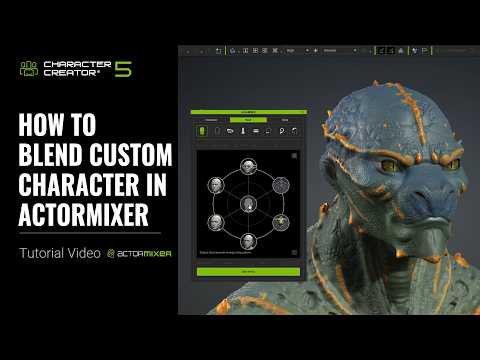
How to Blend Custom Character in CC5 ActorMIXER | Character Creator 5 Tutorial
By using “Create Mixer Assets” and ActorMIXER in Character Creator 5, we can quickly blend unique looks from both custom characters and native CC characters. Learn more about ActorMIXER: https://www.reallusion.com/character-creator/actor-mixer/ Check out the HD Alien pack used in this video: https://www.reallusion.com/ContentStore/Character-Creator/3d-character/hd-alien-mixer/default.html 00:12 Mixer Asset for Custom Character Creation 03:02 Blend with Custom Mixer Presets *Note: Assets shown in this tutorial serve only as reference material. Character Creator 5 (CC5) is a full character creation solution for designers to easily generate, import and customize stylized or realistic character assets for use with iClone, Maya, Blender, Unreal Engine, Unity, Daz3D, 3dsMax, or any other 3D tools. CC5 connects industry-leading pipelines with one system for 3D character generation, animation rig, asset management, look-dev rendering, and interactive design. ✦WATCH MORE Learn about Character Creator: https://www.reallusion.com/character-creator/default.html Learn about iClone animations: http://www.reallusion.com/iclone/default.html ✦FOLLOW US! Facebook: https://www.facebook.com/ReallusionSoftware/ LinkedIn: https://www.linkedin.com/company/94371 Twitter: https://twitter.com/reallusion Instagram: https://www.instagram.com/reallusionofficial/ Magazine: https://magazine.reallusion.com/ Forum: https://discussions.reallusion.com/ *Character Creator* TUTORIALS: https://courses.reallusion.com/home/character-creator MANUAL: https://manual.reallusion.com/Character-Creator-5/Content/ENU/5.0/01_Welcome/Welcome.htm #cc5 #charactercreator #actormixer
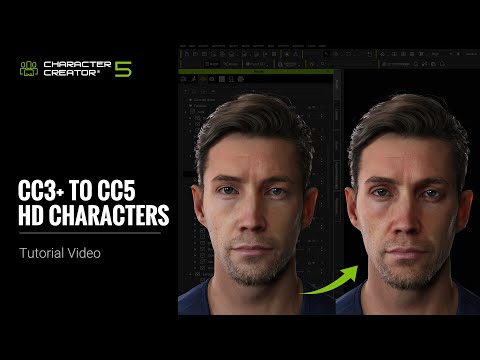
Upgrading CC3+ to CC5 HD Characters
By using the Facial Profile, Subdivision, and other content together, we can upgrade a CC3+ character to a CC5 HD Character. This not only enhances the character’s appearance but also significantly improves the accuracy and naturalness of facial animations, easily achieving film-quality realistic expressions. 🔗 Check HD Animation page →https://www.reallusion.com/character-creator/hd-animation.html 🔗 Check full list of CC5 tutorial → https://www.youtube.com/playlist?list=PLNV5zSFadPdmXrhTkDeZWEYhyYgj-aLGg 🔗 Check CC5 all features on Reallusion forum → https://discussions.reallusion.com/t/character-creator-5-cc5-is-officially-launched/14970 00:35 Upgrade Appearance 04:15 Upgrade Facial Profile *Note: Assets shown in this tutorial serve only as reference material. ✦WATCH MORE Learn about Character Creator: https://www.reallusion.com/character-creator/default.html Learn about iClone animations: http://www.reallusion.com/iclone/default.html ✦FOLLOW US! Reallusion Forum: https://discussions.reallusion.com/ Facebook: https://www.facebook.com/ReallusionSoftware/ LinkedIn: https://www.linkedin.com/company/94371 X: https://x.com/reallusion Instagram: https://www.instagram.com/reallusionofficial/ Magazine: https://magazine.reallusion.com/ Character Creator TUTORIALS: https://courses.reallusion.com/home/character-creator #cc5 #metahuman #hdcharacter
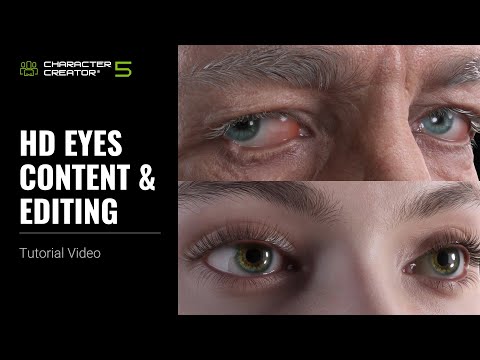
HD Eye Content and Editing
By using the new HD Eyes and Digital Human Eye shader, we can quickly achieve stunning and precise eye variations. In addition, we obtain a more detailed and realistic set of eyes, tailored to the style and appearance of the characters. 🔗 Check HD eyes page → https://www.reallusion.com/character-creator/hd-eyes-eyelashes.html 🔗 Check full list of CC5 tutorial → https://www.youtube.com/playlist?list=PLNV5zSFadPdmXrhTkDeZWEYhyYgj-aLGg 🔗 Check CC5 all features on Reallusion forum → https://discussions.reallusion.com/t/character-creator-5-cc5-is-officially-launched/14970 00:21 HD Eyes & Digital Human Eye shader 02:22 Eye Elements *Note: Assets shown in this tutorial serve only as reference material. ✦WATCH MORE Learn about Character Creator: https://www.reallusion.com/character-creator/default.html Learn about iClone animations: http://www.reallusion.com/iclone/default.html ✦FOLLOW US! Reallusion Forum: https://discussions.reallusion.com/ Facebook: https://www.facebook.com/ReallusionSoftware/ LinkedIn: https://www.linkedin.com/company/94371 X: https://x.com/reallusion Instagram: https://www.instagram.com/reallusionofficial/ Magazine: https://magazine.reallusion.com/ Character Creator TUTORIALS: https://courses.reallusion.com/home/character-creator #cc5 #hdeyes #charactercreator
Installation Guide for Unity Auto Setup | iClone 8 & Character Creator 5 Tutorial
We will explain how to install Unity Auto Setup and how to quickly transfer characters into Unity. 00:14 Installation 01:21 Transfer CC Character Download the Unity Auto Setup here: https://www.reallusion.com/auto-setup/unity/download.html *Note: Assets shown in this tutorial serve only as reference material. Character Creator 5 (CC5) is a full character creation solution for designers to easily generate, import and customize stylized or realistic character assets for use with iClone, Maya, Blender, Unreal Engine, Unity, Daz3D, 3dsMax, or any other 3D tools. CC5 connects industry-leading pipelines with one system for 3D character generation, animation rig, asset management, look-dev rendering, and interactive design. ✦WATCH MORE Learn about Character Creator: https://www.reallusion.com/character-creator/default.html Learn about iClone animations: http://www.reallusion.com/iclone/default.html ✦FOLLOW US! Facebook: https://www.facebook.com/ReallusionSoftware/ LinkedIn: https://www.linkedin.com/company/94371 Twitter: https://twitter.com/reallusion Instagram: https://www.instagram.com/reallusionofficial/ Magazine: https://magazine.reallusion.com/ Forum: https://discussions.reallusion.com/ *Character Creator* TUTORIALS: https://courses.reallusion.com/home/character-creator MANUAL: https://manual.reallusion.com/Character-Creator-4/Content/ENU/4.0/01_Welcome/Welcome.htm #cc5 #charactercreator #unity
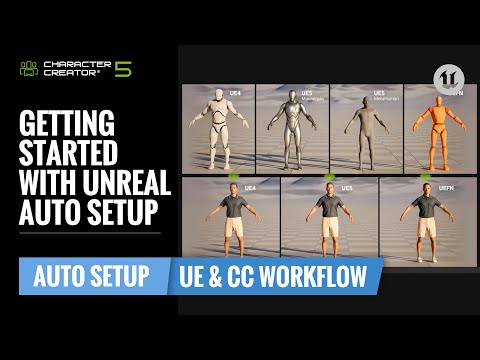
Getting Started With Unreal Auto Setup | CC & UE Workflow Tutorial
In this part of the tutorial, we’ll demonstrate the difference between the CC and Unreal skeletons, along with a bind pose comparison when exporting from CC5. 🔗 Check UE Auto Setup page & download the latest version here → https://www.reallusion.com/auto-setup/unreal-engine/default.html 🔗 Check UE Auto Setup page & download the latest version here →https://www.reallusion.com/character-creator/cc-ue-control-rig/ 🔗 Check full list of CC5 tutorial → https://www.youtube.com/playlist?list=PLNV5zSFadPdmXrhTkDeZWEYhyYgj-aLGg 🔗 Check CC5 all features on Reallusion forum → https://discussions.reallusion.com/t/character-creator-5-cc5-is-officially-launched/14970 🔗 Check UE on Reallusion forum → https://discussions.reallusion.com/t/cc-ic-x-ue-workflow-is-now-updated/15017/7 00:28 Rig Bone & Bind Pose Differences 01:49 FBX Export 03:29 Unreal Engine Import Workflow 07:03 iClone & ActorCore Integration 07:13 Unreal Live Link 07:27 CC UE Control Rig *Note: Assets shown in this tutorial serve only as reference material. ✦WATCH MORE Learn about Character Creator: https://www.reallusion.com/character-creator/default.html Learn about iClone animations: http://www.reallusion.com/iclone/default.html ✦FOLLOW US! Reallusion Forum: https://discussions.reallusion.com/ Facebook: https://www.facebook.com/ReallusionSoftware/ LinkedIn: https://www.linkedin.com/company/94371 X: https://x.com/reallusion Instagram: https://www.instagram.com/reallusionofficial/ Magazine: https://magazine.reallusion.com/ Character Creator TUTORIALS: https://courses.reallusion.com/home/character-creator #cc5 #UE #UnrealEngine
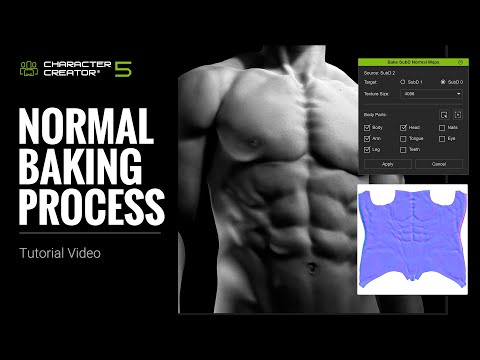
HD Subdivisions' Normal Baking Process with CC5 Characters | Character Creator 5 Tutorial
In this tutorial, we'll show you how to preserve surface details created by HD Morph sliders by baking them from higher to lower subdivisions. All the details on the second subdivision can be transferred to the lower subdivisions as normal maps without losing any detail quality. 🔗 Check CC5 page → https://www.reallusion.com/character-creator/ 🔗 Check full list of CC5 tutorial → https://www.youtube.com/playlist?list=PLNV5zSFadPdmXrhTkDeZWEYhyYgj-aLGg 🔗 Check CC5 all features on Reallusion forum → https://discussions.reallusion.com/t/character-creator-5-cc5-is-officially-launched/14970 00:21 HD Morph Contents 03:36 Bake SubD Normal Maps 05:33 Link SubD Normal Map 06:53 Wrinkle Normal Baking *Note: Assets shown in this tutorial serve only as reference material. ✦WATCH MORE Learn about Character Creator: https://www.reallusion.com/character-creator/default.html Learn about iClone animations: http://www.reallusion.com/iclone/default.html ✦FOLLOW US! Reallusion Forum: https://discussions.reallusion.com/ Facebook: https://www.facebook.com/ReallusionSoftware/ LinkedIn: https://www.linkedin.com/company/94371 X: https://x.com/reallusion Instagram: https://www.instagram.com/reallusionofficial/ Magazine: https://magazine.reallusion.com/ Character Creator TUTORIALS: https://courses.reallusion.com/home/character-creator #cc5 #hdcharacter #bakenormal
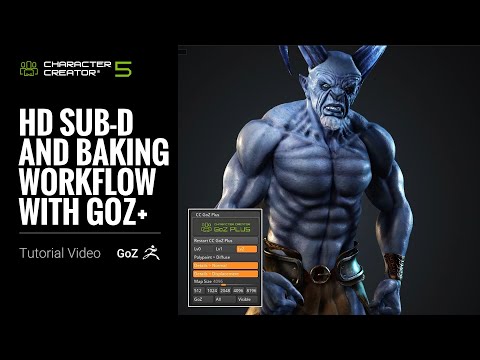
HD Subdivision and Baking Workflow with GoZ+ | Character Creator 5 Tutorial
In this tutorial, we’ll guide you through the HD Subdivision workflow between Character Creator and GoZ for adding high-resolution details to your character. With Character Creator 5, every HD character now comes with a built-in displacement map, enabling more accurate reconstruction of high-frequency surface detail when working in ZBrush. 🔗 Check CC5 page → https://www.reallusion.com/character-creator/zbrush/goz/default.html 🔗 Check full list of CC5 tutorial → https://www.youtube.com/playlist?list=PLNV5zSFadPdmXrhTkDeZWEYhyYgj-aLGg 🔗 Check CC5 all features on Reallusion forum → https://discussions.reallusion.com/t/character-creator-5-cc5-is-officially-launched/14970 00:26 GoZ Plus Workflow 02:01 Sculpting in ZBrush 04:43 Displacement v.s. Normal Detail 05:04 Wrinkle Workflow by Face Tools *Note: Assets shown in this tutorial serve only as reference material. ✦WATCH MORE Learn about Character Creator: https://www.reallusion.com/character-creator/default.html Learn about iClone animations: http://www.reallusion.com/iclone/default.html ✦FOLLOW US! Reallusion Forum: https://discussions.reallusion.com/ Facebook: https://www.facebook.com/ReallusionSoftware/ LinkedIn: https://www.linkedin.com/company/94371 X: https://x.com/reallusion Instagram: https://www.instagram.com/reallusionofficial/ Magazine: https://magazine.reallusion.com/ Character Creator TUTORIALS: https://courses.reallusion.com/home/character-creator #cc5 #hdcharacter #zbrush
HD Eyelash Content & Editing
In addition to the more detailed physique of the new-generation CC5 character base, the revamped eyelashes add volume, definition, and style that complement the overall character design, further elevating the character’s visual quality. 🔗 Check Eyelash page →https://www.reallusion.com/character-creator/hd-eyes-eyelashes.html#new-eyelash-system 🔗 Check full list of CC5 tutorial → https://www.youtube.com/playlist?list=PLNV5zSFadPdmXrhTkDeZWEYhyYgj-aLGg 🔗 Check CC5 all features on Reallusion forum → https://discussions.reallusion.com/t/character-creator-5-cc5-is-officially-launched/14970 00:20 Intro Eyelash Content 02:46 Eyelash Morph 04:27 Eyelash Material 06:08 Correcting Eyelash Position 08:50 Custom Position *Note: Assets shown in this tutorial serve only as reference material. ✦WATCH MORE Learn about Character Creator: https://www.reallusion.com/character-creator/default.html Learn about iClone animations: http://www.reallusion.com/iclone/default.html ✦FOLLOW US! Reallusion Forum: https://discussions.reallusion.com/ Facebook: https://www.facebook.com/ReallusionSoftware/ LinkedIn: https://www.linkedin.com/company/94371 X: https://x.com/reallusion Instagram: https://www.instagram.com/reallusionofficial/ Magazine: https://magazine.reallusion.com/ Character Creator TUTORIALS: https://courses.reallusion.com/home/character-creator #cc5 #hdeyes #eyelash
Introduce HD Facial Animation
The brand new HD facial profile for Character Creator 5 features additional expression and corrective morph sliders. These additions have significantly improved expression animations, delivering greater accuracy and naturalness for easily achieving film quality results. 🔗 Check HD Animation page →https://www.reallusion.com/character-creator/hd-animation.html 🔗 Check full list of CC5 tutorial → https://www.youtube.com/playlist?list=PLNV5zSFadPdmXrhTkDeZWEYhyYgj-aLGg 🔗 Check CC5 all features on Reallusion forum → https://discussions.reallusion.com/t/character-creator-5-cc5-is-officially-launched/14970 00:18 Intro to HD Facial Profile 02:04 HD Profile & Corrective Morph 04:14 Mocap & Motion Editing 06:18 Facial Animation Export *Note: Assets shown in this tutorial serve only as reference material. ✦WATCH MORE Learn about Character Creator: https://www.reallusion.com/character-creator/default.html Learn about iClone animations: http://www.reallusion.com/iclone/default.html ✦FOLLOW US! Reallusion Forum: https://discussions.reallusion.com/ Facebook: https://www.facebook.com/ReallusionSoftware/ LinkedIn: https://www.linkedin.com/company/94371 X: https://x.com/reallusion Instagram: https://www.instagram.com/reallusionofficial/ Magazine: https://magazine.reallusion.com/ Character Creator TUTORIALS: https://courses.reallusion.com/home/character-creator #cc5 #metahuman #hdcharacter
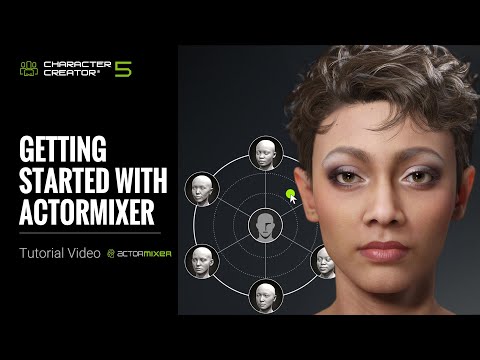
Getting Started with ActorMIXER
This tutorial demonstrates how ActorMIXER can quickly create characters by blending head, body, and facial feature details. Additionally, combining different Slider types and base data allow for richer and more natural character designs. 🔗 Check ActorMIXER page →https://www.reallusion.com/character-creator/actor-mixer/ 🔗 Check full list of CC5 tutorial → https://www.youtube.com/playlist?list=PLNV5zSFadPdmXrhTkDeZWEYhyYgj-aLGg 🔗 Check CC5 all features on Reallusion forum → https://discussions.reallusion.com/t/character-creator-5-cc5-is-officially-launched/14970 00:22 Intro ActorMIXER and Contents 06:02 Blending Flow & Advanced Editing 08:02 Create Mixer Assets 10:33 Flexible Creation with Base *Note: Assets shown in this tutorial serve only as reference material. ✦WATCH MORE Learn about Character Creator: https://www.reallusion.com/character-creator/default.html Learn about iClone animations: http://www.reallusion.com/iclone/default.html ✦FOLLOW US! Reallusion Forum: https://discussions.reallusion.com/ Facebook: https://www.facebook.com/ReallusionSoftware/ LinkedIn: https://www.linkedin.com/company/94371 X: https://x.com/reallusion Instagram: https://www.instagram.com/reallusionofficial/ Magazine: https://magazine.reallusion.com/ Character Creator TUTORIALS: https://courses.reallusion.com/home/character-creator #cc5 #charactercreator5 #actormixer
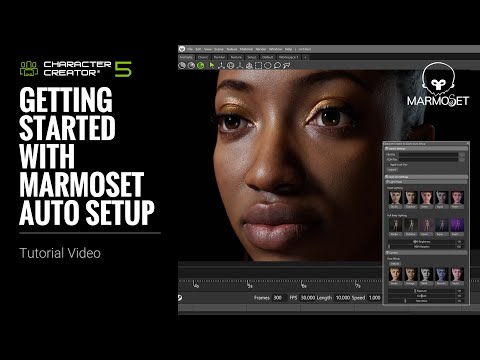
Getting Started with Marmoset Auto Setup | Character Creator 5 Tutorial
Via the Auto Setup plugin, we can quickly bring characters, clothing, motion, and materials into Marmoset from Character Creator or iClone. By enabling ray tracing and applying the default Look Dev settings, we can significantly enhance both the rendering quality and visual appearance of the assets, and achieve high-quality real-time previews and image output. 🔗 Check Marmotset Toolbag AutoSetup page → https://www.reallusion.com/auto-setup/marmoset-toolbag/default.html 🔗 Check full list of CC5 tutorial → https://www.youtube.com/playlist?list=PLNV5zSFadPdmXrhTkDeZWEYhyYgj-aLGg 🔗 Check CC5 all features on Reallusion forum → https://discussions.reallusion.com/t/character-creator-5-cc5-is-officially-launched/14970 00:25 Installation 01:05 Model Transfer to Marmoset Toolbag 02:34 Look Dev Setting 05:25 Material Settings 07:48 Animation Transfer to Marmoset Toolbag *Note: Assets shown in this tutorial serve only as reference material. ✦WATCH MORE Learn about Character Creator: https://www.reallusion.com/character-creator/default.html Learn about iClone animations: http://www.reallusion.com/iclone/default.html ✦FOLLOW US! Reallusion Forum: https://discussions.reallusion.com/ Facebook: https://www.facebook.com/ReallusionSoftware/ LinkedIn: https://www.linkedin.com/company/94371 X: https://x.com/reallusion Instagram: https://www.instagram.com/reallusionofficial/ Magazine: https://magazine.reallusion.com/ Character Creator TUTORIALS: https://courses.reallusion.com/home/character-creator #cc5 #MarmotsetToolbag #autosetup
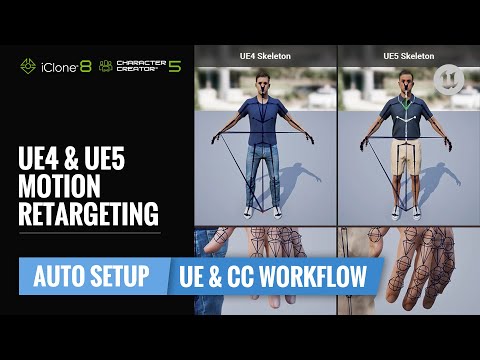
UE4 & UE5 Motion Retargeting | CC & UE Workflow Tutorial
With the new Unreal Engine 5 export preset and Auto Setup, retargeting motions in Unreal becomes easier than ever. Common issues such as mismatched skeletons, bind pose differences, and incorrect workflows are now automatically resolved with our streamlined tools. You’ll learn two different motion retargeting methods, so your characters can work seamlessly with Unreal’s built-in characters. 🔗 Check UE Auto Setup page & download the latest version here → https://www.reallusion.com/auto-setup/unreal-engine/default.html 🔗 Check UE Auto Setup page & download the latest version here →https://www.reallusion.com/character-creator/cc-ue-control-rig/ 🔗 Check full list of CC5 tutorial → https://www.youtube.com/playlist?list=PLNV5zSFadPdmXrhTkDeZWEYhyYgj-aLGg 🔗 Check CC5 all features on Reallusion forum → https://discussions.reallusion.com/t/character-creator-5-cc5-is-officially-launched/14970 🔗 Check UE on Reallusion forum → https://discussions.reallusion.com/t/cc-ic-x-ue-workflow-is-now-updated/15017/7 00:00 Intro 00:35 Export UE Skeleton & Bind Pose from CC 03:50 Import CC Characters to Unreal 06:09 Same Skeleton Retargeting (Retarget Manager) 07:55 Different Skeleton Retargeting (IK Retargeter) 11:30 Sending Unreal animations back to iC / CC *Note: Assets shown in this tutorial serve only as reference material. ✦WATCH MORE Learn about Character Creator: https://www.reallusion.com/character-creator/default.html Learn about iClone animations: http://www.reallusion.com/iclone/default.html ✦FOLLOW US! Reallusion Forum: https://discussions.reallusion.com/ Facebook: https://www.facebook.com/ReallusionSoftware/ LinkedIn: https://www.linkedin.com/company/94371 X: https://x.com/reallusion Instagram: https://www.instagram.com/reallusionofficial/ Magazine: https://magazine.reallusion.com/ Character Creator TUTORIALS: https://courses.reallusion.com/home/character-creator #cc5 #UE #UnrealEngine
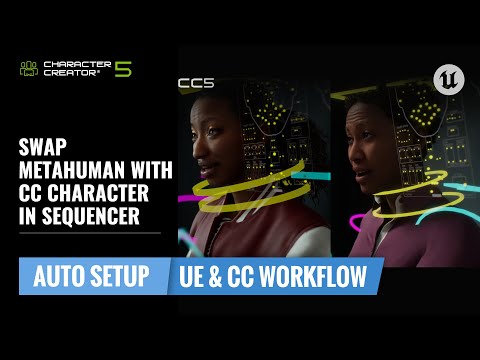
Swap MetaHuman with CC Character in Sequencer | CC & UE Workflow Tutorial
Since CC5 characters use facial morphs compatible with MetaHuman, we can replace meshes and copy animation tracks between the two character systems seamlessly. 🔗 Check CC5 x metahuman pipeline → https://www.reallusion.com/metahuman/ 🔗 Check UE Auto Setup page & download the latest version here → https://www.reallusion.com/auto-setup/unreal-engine/default.html 🔗 Check UE Auto Setup page & download the latest version here →https://www.reallusion.com/character-creator/cc-ue-control-rig/ 🔗 Check full list of CC5 tutorial → https://www.youtube.com/playlist?list=PLNV5zSFadPdmXrhTkDeZWEYhyYgj-aLGg 🔗 Check CC5 all features on Reallusion forum → https://discussions.reallusion.com/t/character-creator-5-cc5-is-officially-launched/14970 🔗 Check UE pipeline on Reallusion forum → https://discussions.reallusion.com/t/cc-ic-x-ue-workflow-is-now-updated/15017/7 00:27 Export CC Character 02:20 Replace by Part 03:58 Copy Animation Tracks *Note: Assets shown in this tutorial serve only as reference material. ✦WATCH MORE Learn about Character Creator: https://www.reallusion.com/character-creator/default.html Learn about iClone animations: http://www.reallusion.com/iclone/default.html ✦FOLLOW US! Reallusion Forum: https://discussions.reallusion.com/ Facebook: https://www.facebook.com/ReallusionSoftware/ LinkedIn: https://www.linkedin.com/company/94371 X: https://x.com/reallusion Instagram: https://www.instagram.com/reallusionofficial/ Magazine: https://magazine.reallusion.com/ Character Creator TUTORIALS: https://courses.reallusion.com/home/character-creator #cc5 #UE #UnrealEngine
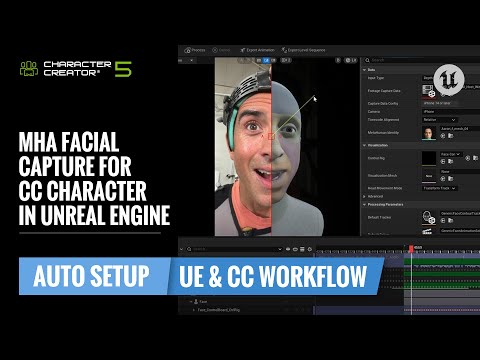
MHA Facial Capture for CC Character in Unreal Engine | CC & UE Workflow Tutorial
That concludes this tutorial on using the Depth Camera, video files, and live webcam to generate MetaHuman animations, and on applying those animations to CC characters. We also demonstrated how to export animations in CSV format for use in iClone and Character Creator. 🔗 Check CC5 x metahuman pipeline → https://www.reallusion.com/metahuman/ 🔗 Check UE Auto Setup page & download the latest version here → https://www.reallusion.com/auto-setup/unreal-engine/default.html 🔗 Check UE Auto Setup page & download the latest version here →https://www.reallusion.com/character-creator/cc-ue-control-rig/ 🔗 Check full list of CC5 tutorial → https://www.youtube.com/playlist?list=PLNV5zSFadPdmXrhTkDeZWEYhyYgj-aLGg 🔗 Check CC5 all features on Reallusion forum → https://discussions.reallusion.com/t/character-creator-5-cc5-is-officially-launched/14970 🔗 Check UE pipeline on Reallusion forum → https://discussions.reallusion.com/t/cc-ic-x-ue-workflow-is-now-updated/15017/7 00:19 iPhone Depth Capture 03:30 Video File 05:42 Webcam Live Stream 08:00 Export Facial Animation to CC / IC *Note: Assets shown in this tutorial serve only as reference material. ✦WATCH MORE Learn about Character Creator: https://www.reallusion.com/character-creator/default.html Learn about iClone animations: http://www.reallusion.com/iclone/default.html ✦FOLLOW US! Reallusion Forum: https://discussions.reallusion.com/ Facebook: https://www.facebook.com/ReallusionSoftware/ LinkedIn: https://www.linkedin.com/company/94371 X: https://x.com/reallusion Instagram: https://www.instagram.com/reallusionofficial/ Magazine: https://magazine.reallusion.com/ Character Creator TUTORIALS: https://courses.reallusion.com/home/character-creator #cc5 #UE #UnrealEngine
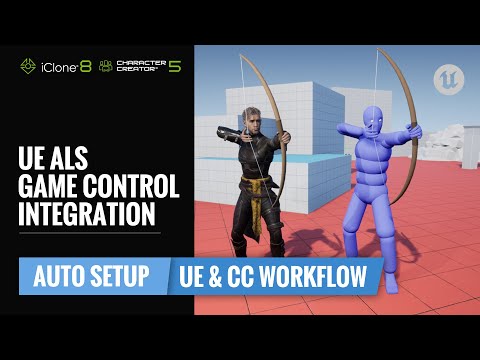
UE Advanced Locomotion System (ALS) Game Control Integration | CC & UE Workflow Tutorial
Learn how to integrate Reallusion CC/ActorCore characters into Unreal’s Advanced Locomotion System (ALS). This tutorial walks you through exporting with the UE4 Skeleton, creating and configuring an ALS IK Rig, retargeting animations, and setting up Blueprints so your characters move seamlessly with Foot IK, layered animations, and smooth transitions in ALS project. 🔗 Check CC5 x metahuman pipeline → https://www.reallusion.com/metahuman/ 🔗 Check UE Auto Setup page & download the latest version here → https://www.reallusion.com/auto-setup/unreal-engine/default.html 🔗 Check UE Auto Setup page & download the latest version here →https://www.reallusion.com/character-creator/cc-ue-control-rig/ 🔗 Check full list of CC5 tutorial → https://www.youtube.com/playlist?list=PLNV5zSFadPdmXrhTkDeZWEYhyYgj-aLGg 🔗 Check UE pipeline on Reallusion forum → https://discussions.reallusion.com/t/cc-ic-x-ue-workflow-is-now-updated/15017/7 00:00 Intro 00:41 Export CC Character to UE 02:33 Retargeting Setup 05:48 Blueprint Setup 08:15 Ending *Note: Assets shown in this tutorial serve only as reference material. ✦WATCH MORE Learn about Character Creator: https://www.reallusion.com/character-creator/default.html Learn about iClone animations: http://www.reallusion.com/iclone/default.html ✦FOLLOW US! Reallusion Forum: https://discussions.reallusion.com/ Facebook: https://www.facebook.com/ReallusionSoftware/ LinkedIn: https://www.linkedin.com/company/94371 X: https://x.com/reallusion Instagram: https://www.instagram.com/reallusionofficial/ Magazine: https://magazine.reallusion.com/ Character Creator TUTORIALS: https://courses.reallusion.com/home/character-creator #cc5 #UE #UnrealEngine
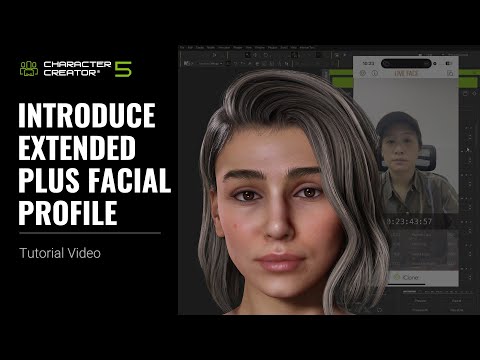
Introduce Extended Plus Facial Profile
The corrective shapes and nonlinear sticky lips effects provided by the Extended Plus profile make lip morph animation more detailed and realistic. Whether for realistic or cartoony characters, this profile enhances the overall appearance of character expressions. In addition, these settings transfer smoothly to Unreal, Maya, and other major third‑party applications, improving the animation across different workflows. 🔗 Check HD Animation page → https://www.reallusion.com/character-creator/hd-animation.html 🔗 Check full list of CC5 tutorial → https://www.youtube.com/playlist?list=PLNV5zSFadPdmXrhTkDeZWEYhyYgj-aLGg 🔗 Check CC5 all features on Reallusion forum → https://discussions.reallusion.com/t/character-creator-5-cc5-is-officially-launched/14970 00:26 Extended Plus Profile & Correctives 02:04 Mocap & Non-linear Improvements 03:14 Export Extended Plus Profiles *Note: Assets shown in this tutorial serve only as reference material. ✦WATCH MORE Learn about Character Creator: https://www.reallusion.com/character-creator/default.html Learn about iClone animations: http://www.reallusion.com/iclone/default.html ✦FOLLOW US! Reallusion Forum: https://discussions.reallusion.com/ Facebook: https://www.facebook.com/ReallusionSoftware/ LinkedIn: https://www.linkedin.com/company/94371 X: https://x.com/reallusion Instagram: https://www.instagram.com/reallusionofficial/ Magazine: https://magazine.reallusion.com/ Character Creator TUTORIALS: https://courses.reallusion.com/home/character-creator #cc5 #charactercreator #facialmocap
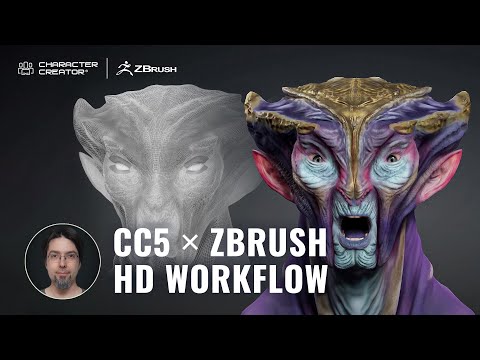
Next-Level ZBrush Workflow: HD Characters Ready for Animation with Character Creator 5
Bring your ZBrush creations to life! In this video, artist Óscar Fernández demonstrates how to turn a high-detail ZBrush sculpt into a fully animatable HD character using Character Creator 5 (CC5). 🔗 Check the full article → https://magazine.reallusion.com/2025/09/23/from-concept-to-motion-ready-alien-character-zbrush-and-cc5-hd-step-by-step-workflow/ 🔗 Check CC5 page → https://www.reallusion.com/character-creator/zbrush/goz/default.html 🔗 Check full list of CC5 tutorial → https://www.youtube.com/playlist?list=PLNV5zSFadPdmXrhTkDeZWEYhyYgj-aLGg 🔗Oscar Fernandez's HD Alien MIXER pack is available now → https://www.reallusion.com/ContentStore/Character-Creator/3d-character/hd-alien-mixer/default.html 00:00 Introduction 01:02 Load a neutral base 01:40 Set basic proportions in CC5 03:00 Starting the sculpting process in ZBrush 04:09 Test with GoZ Plus 04:39 Real-time adjustments 05:05 Secondary and tertiary forms 05:55 Bone and pose fixes 06:42 Adding color with polypaint 07:41 Adaptable subdivisions & auto texture baking *Note: Assets shown in this tutorial serve only as reference material. Character Creator 5 (CC5) is a full character creation solution for designers to easily generate, import and customize stylized or realistic character assets for use with iClone, Maya, Blender, Unreal Engine, Unity, Daz3D, 3dsMax, or any other 3D tools. CC5 connects industry-leading pipelines with one system for 3D character generation, animation rig, asset management, look-dev rendering, and interactive design. ✦WATCH MORE Learn about Character Creator: https://www.reallusion.com/character-creator/default.html Learn about iClone animations: http://www.reallusion.com/iclone/default.html ✦FOLLOW US! Reallusion Forum: https://discussions.reallusion.com/ Facebook: https://www.facebook.com/ReallusionSoftware/ LinkedIn: https://www.linkedin.com/company/94371 X: https://x.com/reallusion Instagram: https://www.instagram.com/reallusionofficial/ Magazine: https://magazine.reallusion.com/ Character Creator TUTORIALS: https://courses.reallusion.com/home/character-creator #cc5 #hdcharacter #zbrush
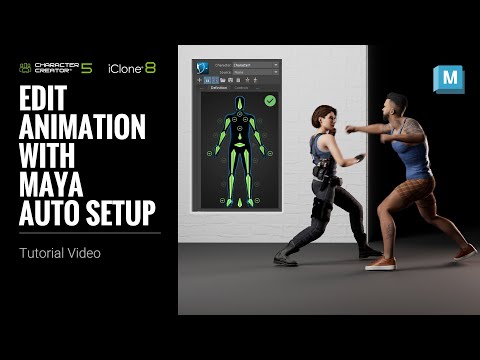
Edit Animation with Maya Auto Setup | Character Creator 5 Tutorial
In this tutorial, we’ll dive deeper into Maya Auto Setup for iClone and Character. With this convenient and fast workflow, we can send not only assets to Maya via Auto Setup, but also create control rigs for face and body, allowing us to further animate the characters. This tutorial highlights seamless pipeline integration for efficient character animation. Learn more: https://www.reallusion.com/auto-setup/maya/default.html 00:21 Export 02:37 Maya Import 05:23 Lighting Setup 05:47 Create Face Rig 07:41 Facial Animation 09:51 Body Rig Setup 11:51 Create Animation Layers *Note: Assets shown in this tutorial serve only as reference material. ✦WATCH MORE Learn about Character Creator: https://www.reallusion.com/character-creator/default.html Learn about iClone animations: http://www.reallusion.com/iclone/default.html ✦FOLLOW US! Reallusion Forum: https://discussions.reallusion.com/ Facebook: https://www.facebook.com/ReallusionSoftware/ LinkedIn: https://www.linkedin.com/company/94371 X: https://x.com/reallusion Instagram: https://www.instagram.com/reallusionofficial/ Magazine: https://magazine.reallusion.com/ Character Creator TUTORIALS: https://courses.reallusion.com/home/character-creator #cc5 #maya #charactercreator5
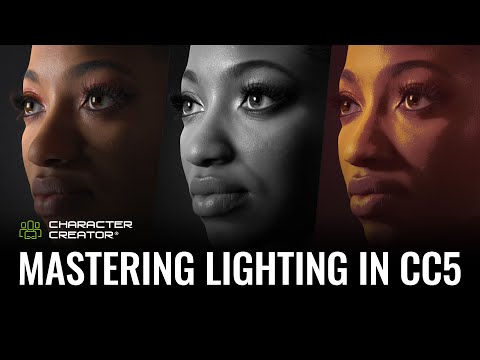
The Ultimate CC5 3D Lighting Guide: Create Cinematic Realism with Free Presets | Character Creator
Bring your 3D characters to life with free lighting presets in Character Creator 5. Learn how to fine-tune Lightrooms, adjust shadows, and enhance realism for cinematic results. Perfect lighting made easy — from portraits to full-body renders. Full article: https://magazine.reallusion.com/2025/11/04/the-ultimate-cc5-3d-lighting-guide-create-cinematic-realism-with-free-presets/ 00:00 Opening 00:16 CC5 Light Presets 00:48 Lighting Breakdown 01:35 Height Control 02:10 Light Adjustment 03:53 Portrait to Full Body 06:18 Eye Reflection 07:31 Post Effects 09:35 Depth of Field (DOF) 10:28 Shader Final Touch 11:04 Ending *Note: Assets shown in this tutorial serve only as reference material. Character Creator 5 (CC5) is a full character creation solution for designers to easily generate, import and customize stylized or realistic character assets for use with iClone, Maya, Blender, Unreal Engine, Unity, Daz3D, 3dsMax, or any other 3D tools. CC5 connects industry-leading pipelines with one system for 3D character generation, animation rig, asset management, look-dev rendering, and interactive design. ✦WATCH MORE Learn about Character Creator: https://www.reallusion.com/character-creator/default.html Learn about iClone animations: http://www.reallusion.com/iclone/default.html ✦FOLLOW US! Facebook: https://www.facebook.com/ReallusionSoftware/ LinkedIn: https://www.linkedin.com/company/94371 Twitter: https://twitter.com/reallusion Instagram: https://www.instagram.com/reallusionofficial/ Magazine: https://magazine.reallusion.com/ Forum: https://discussions.reallusion.com/ *Character Creator* TUTORIALS: https://courses.reallusion.com/home/character-creator MANUAL: https://manual.reallusion.com/Character-Creator-5/Content/ENU/5.0/01_Welcome/Welcome.htm #cc5 #3dlighting #charactercreator
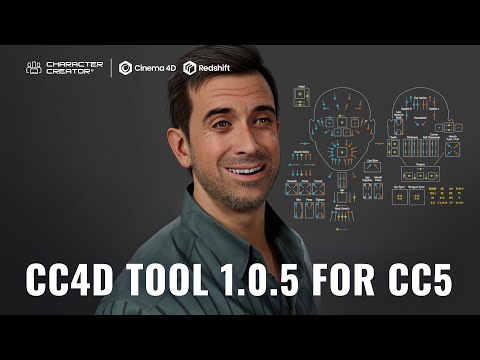
CC4D Tools 1.0.5 is Now Released — Bring CC5 Characters to Life in Cinema 4D with HD Facial Rig
CC4D 1.0.5 is now released! Developed by Reallusion partner Benjamin Broschinski, this update adds full Character Creator 5 support with HD facial rigs and new eye shaders. Import, rig, and render CC5 characters in Cinema 4D with Redshift-ready materials. 👉 Learn more: https://magazine.reallusion.com/2025/11/12/cc4d-tools-1-0-5-is-now-released-bringing-cc5-characters-to-life-in-cinema-4d/ 👉 Get CC4D here: https://blkmsk.gumroad.com/l/cc4d-tools *Note: Assets shown in this tutorial serve only as reference material. Character Creator 5 (CC5) is a full character creation solution for designers to easily generate, import and customize stylized or realistic character assets for use with iClone, Maya, Blender, Unreal Engine, Unity, Daz3D, 3dsMax, or any other 3D tools. CC5 connects industry-leading pipelines with one system for 3D character generation, animation rig, asset management, look-dev rendering, and interactive design. ✦WATCH MORE Learn about Character Creator: https://www.reallusion.com/character-creator/default.html Learn about iClone animations: http://www.reallusion.com/iclone/default.html ✦FOLLOW US! Facebook: https://www.facebook.com/ReallusionSoftware/ LinkedIn: https://www.linkedin.com/company/94371 Twitter: https://twitter.com/reallusion Instagram: https://www.instagram.com/reallusionofficial/ Magazine: https://magazine.reallusion.com/ Forum: https://discussions.reallusion.com/ *Character Creator* TUTORIALS: https://courses.reallusion.com/home/character-creator MANUAL: https://manual.reallusion.com/Character-Creator-5/Content/ENU/5.0/01_Welcome/Welcome.htm #cc5 #cinema4d #cc4d
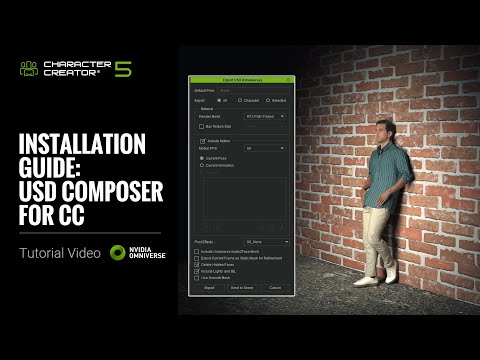
Installation Guide for NVDIA Omniverse USD Composer for CC5 | Character Creator 5 Tutorial
Welcome! In this tutorial, we’ll walk you through installing the NVDIA Omniverse USD Composer, configuring the Nucleus server, and exporting scenes from Character Creator using its built-in USD Exporter—ready to bring your work into the Omniverse USD Composer pipeline. Let’s dive in! Website: https://www.reallusion.com/character-creator/nvidia-omniverse/ 00:16 USD Composer Download 01:20 Setup Nucleus Server 01:58 Omniverse Connector *Note: Assets shown in this tutorial serve only as reference material. Character Creator 5 (CC5) is a full character creation solution for designers to easily generate, import and customize stylized or realistic character assets for use with iClone, Maya, Blender, Unreal Engine, Unity, Daz3D, 3dsMax, or any other 3D tools. CC5 connects industry-leading pipelines with one system for 3D character generation, animation rig, asset management, look-dev rendering, and interactive design. ✦WATCH MORE Learn about Character Creator: https://www.reallusion.com/character-creator/default.html Learn about iClone animations: http://www.reallusion.com/iclone/default.html ✦FOLLOW US! Facebook: https://www.facebook.com/ReallusionSoftware/ LinkedIn: https://www.linkedin.com/company/94371 Twitter: https://twitter.com/reallusion Instagram: https://www.instagram.com/reallusionofficial/ Magazine: https://magazine.reallusion.com/ Forum: https://discussions.reallusion.com/ *Character Creator* TUTORIALS: https://courses.reallusion.com/home/character-creator MANUAL: https://manual.reallusion.com/Character-Creator-5/Content/ENU/5.0/01_Welcome/Welcome.htm #cc5 #omniverse #usdcomposer
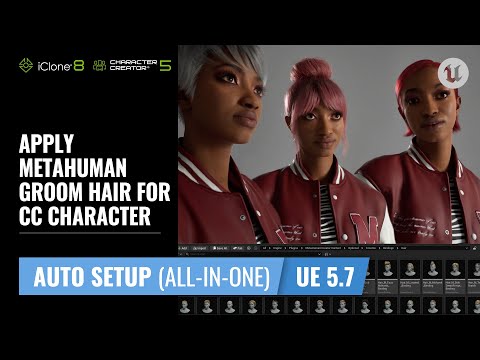
Apply MetaHuman Groom Hair for CC Character with Unreal Auto Setup | CC & UE Workflow Tutorial
A new feature of Unreal Auto Setup (All-in-One) plugin while using the Control Rig Blueprint or Live Link, we can find a suitable Groom Asset for the character and quickly create Groom Binding to apply the hair to the correct position, making it easy and efficient to integrate MetaHuman Groom hairstyles. Download the UE Auto Setup (All-in-One) here: https://www.reallusion.com/auto-setup/unreal-engine/default.html 00:13 Transfer Character & Apply Control Rig 01:40 Groom Hair with Control Rig Blueprint 05:41 Groom Hair with Live Link *Note: Assets shown in this tutorial serve only as reference material. ✦WATCH MORE Learn about Character Creator: https://www.reallusion.com/character-creator/default.html Learn about iClone animations: http://www.reallusion.com/iclone/default.html ✦FOLLOW US! Reallusion Forum: https://discussions.reallusion.com/ Facebook: https://www.facebook.com/ReallusionSoftware/ LinkedIn: https://www.linkedin.com/company/94371 X: https://x.com/reallusion Instagram: https://www.instagram.com/reallusionofficial/ Magazine: https://magazine.reallusion.com/ Character Creator TUTORIALS: https://courses.reallusion.com/home/character-creator #cc5 #UE #UnrealEngine
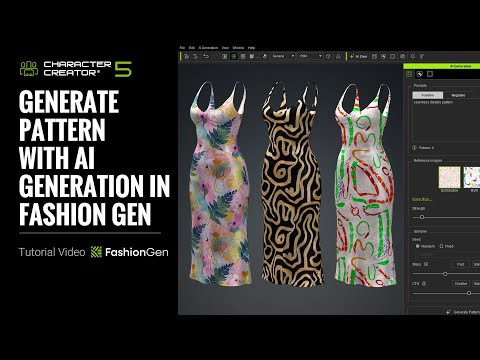
Generate Pattern with Ai Generation in FashionGen | Character Creator 5 Tutorial
By using different prompts to describe features, and reference images to guide style and layout, combined with adjustments to the Sampler settings, we can quickly generate a wide variety of pattern effects. Learn more: https://www.reallusion.com/character-creator/fashiongen/ Online Manual: https://manual.reallusion.com/character-creator-fashiongen-plugin/welcome.htm 00:16 Basic Workflow 01:52 Prompts 05:45 Reference Images *Note: Assets shown in this tutorial serve only as reference material. ✦ How to Redeem? If you previously qualified for FashionGen during the early preview promotion, here’s how to redeem: 1. A FashionGen serial number has been issued to your account 2. Open Reallusion Hub 3. Navigate to the Character Creator Plug-in section 4. You’ll find FashionGen available for download and installation 5. Fabric 100 as a bonus content pack will be available in the Character Creator Smart Content Manager after installing the FashionGen plugin. 🎁How to Get FashionGen Now? FashionGen is still available for free as part of two limited-time promotions: 👉🏻 Now through Dec 31, 2025: Spend $99 or more on any CC content and get FashionGen for free 👉🏻 From Jan 1 – Jan 31, 2026: Spend $99 or more on CC Outfits and receive FashionGen for free ✦WATCH MORE Learn about Character Creator: https://www.reallusion.com/character-creator/default.html Learn about iClone animations: http://www.reallusion.com/iclone/default.html ✦FOLLOW US! Facebook: https://www.facebook.com/ReallusionSoftware/ LinkedIn: https://www.linkedin.com/company/94371 Twitter: https://twitter.com/reallusion Instagram: https://www.instagram.com/reallusionofficial/ Magazine: https://magazine.reallusion.com/ Forum: https://discussions.reallusion.com/ *Character Creator* TUTORIALS: https://courses.reallusion.com/home/character-creator MANUAL: https://manual.reallusion.com/Character-Creator-5/Content/ENU/5.0/01_Welcome/Welcome.htm #cc5 #charactercreator5 #fashiongen
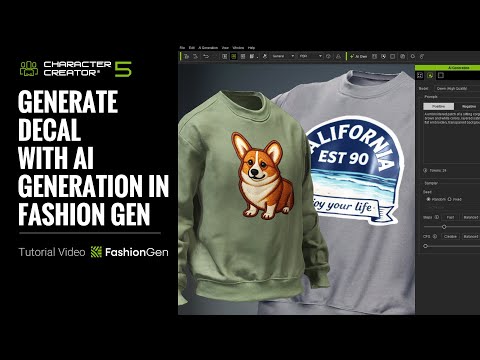
Generate Decal with AI Generation in FashionGen | Character Creator 5 Tutorial
By using different prompts and reference images, we can generate a wide variety of decals. Switching between different models also allows us to produce richer details and more diverse designs 🎁How to Get FashionGen Now? Spend $99 or more on CC Outfits and receive FashionGen for free. https://www.reallusion.com/contentstore/category/character-creator/outfit?nav=Top Learn more: https://www.reallusion.com/character-creator/fashiongen/ Online Manual: https://manual.reallusion.com/character-creator-fashiongen-plugin/welcome.htm 00:15 Basic Workflow 01:50 Prompts 02:44 Reference Image 03:33 SDXL & Qwen Models *Note: Assets shown in this tutorial serve only as reference material. ✦WATCH MORE Learn about Character Creator: https://www.reallusion.com/character-creator/default.html Learn about iClone animations: http://www.reallusion.com/iclone/default.html ✦FOLLOW US! Facebook: https://www.facebook.com/ReallusionSoftware/ LinkedIn: https://www.linkedin.com/company/94371 Twitter: https://twitter.com/reallusion Instagram: https://www.instagram.com/reallusionofficial/ Magazine: https://magazine.reallusion.com/ Forum: https://discussions.reallusion.com/ *Character Creator* TUTORIALS: https://courses.reallusion.com/home/character-creator MANUAL: https://manual.reallusion.com/Character-Creator-5/Content/ENU/5.0/01_Welcome/Welcome.htm #cc5 #charactercreator5 #fashiongen
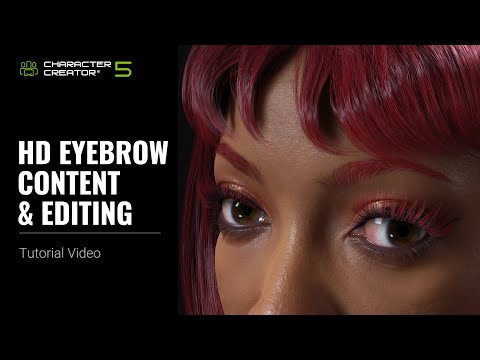
HD Eyebrow Contents & Editing | Character Creator 5 Tutorial
The new HD Brows and Brows Color allow you to quickly switch your character’s eyebrows to different shapes and colors. By using Material and Material Plus, you can easily achieve a consistent hair color tone across the entire character. Learn more about Character Creator smart hair system: https://www.reallusion.com/character-creator/hair.html 00:17 Introduce HD Eyebrows and Brows Color 04:25 Advanced Application Character Creator 5 (CC5) is a full character creation solution for designers to easily generate, import and customize stylized or realistic character assets for use with iClone, Maya, Blender, Unreal Engine, Unity, Daz3D, 3dsMax, or any other 3D tools. CC5 connects industry-leading pipelines with one system for 3D character generation, animation rig, asset management, look-dev rendering, and interactive design. *Note: Assets shown in this tutorial serve only as reference material. ✦WATCH MORE Learn about Character Creator: https://www.reallusion.com/character-creator/default.html Learn about iClone animations: http://www.reallusion.com/iclone/default.html ✦FOLLOW US! Facebook: https://www.facebook.com/ReallusionSoftware/ LinkedIn: https://www.linkedin.com/company/94371 Twitter: https://twitter.com/reallusion Instagram: https://www.instagram.com/reallusionofficial/ Magazine: https://magazine.reallusion.com/ Forum: https://discussions.reallusion.com/ *Character Creator* TUTORIALS: https://courses.reallusion.com/home/character-creator MANUAL: https://manual.reallusion.com/Character-Creator-4/Content/ENU/4.0/01_Welcome/Welcome.htm #cc5 #charactercreator #hdcharacter
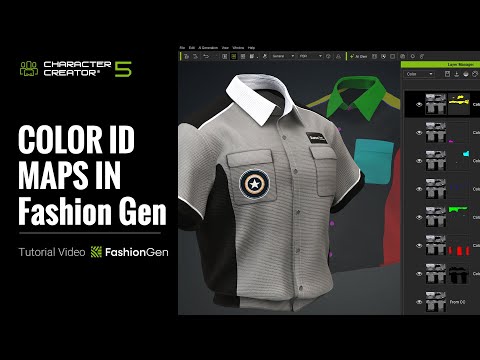
Color ID Maps in FashionGen | Character Creator 5 Tutorial
Once a garment in Character Creator has a Color ID Map, you can quickly assign different materials and patterns to specific areas of the clothing. You can also use the Pallet Sampler to randomly generate colors based on reference images, greatly improving the efficiency of garment creation. 🎁How to Get FashionGen Now? Spend $99 or more on CC Outfits and receive FashionGen for free. https://www.reallusion.com/contentstore/category/character-creator/outfit?nav=Top Learn more: https://www.reallusion.com/character-creator/fashiongen/ Online Manual: https://manual.reallusion.com/character-creator-fashiongen-plugin/welcome.htm 00:32 Basic Color ID Workflow 03:56 Pallet Sampler 06:01 Custom Color ID Map *Note: Assets shown in this tutorial serve only as reference material. ✦WATCH MORE Learn about Character Creator: https://www.reallusion.com/character-creator/default.html Learn about iClone animations: http://www.reallusion.com/iclone/default.html ✦FOLLOW US! Facebook: https://www.facebook.com/ReallusionSoftware/ LinkedIn: https://www.linkedin.com/company/94371 Twitter: https://twitter.com/reallusion Instagram: https://www.instagram.com/reallusionofficial/ Magazine: https://magazine.reallusion.com/ Forum: https://discussions.reallusion.com/ *Character Creator* TUTORIALS: https://courses.reallusion.com/home/character-creator MANUAL: https://manual.reallusion.com/Character-Creator-5/Content/ENU/5.0/01_Welcome/Welcome.htm #cc5 #charactercreator5 #fashiongen
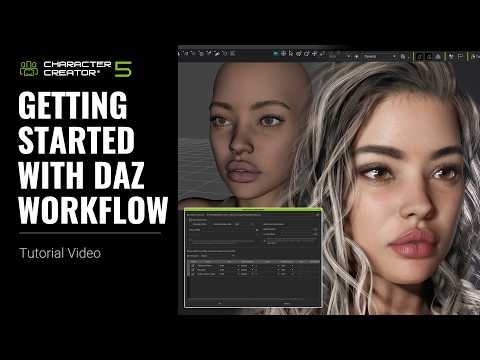
Getting Started with Daz to CC5 Workflow | Character Creator 5 Tutorial
Using Transformer, you can quickly import Daz characters into Character Creator 5 as CC5 HD Characters, enhance their look with CC content, and achieve realistic facial expressions through mocap. Learn more about Daz transformer: https://www.reallusion.com/character-creator/daz3d.html 00:43 Transfer Daz Character to CC 04:47 Edit Character in CC 08:59 Transfer Daz Hair, Cloth, Pose to CC *Note: Assets shown in this tutorial serve only as reference material. Character Creator 5 (CC5) is a full character creation solution for designers to easily generate, import and customize stylized or realistic character assets for use with iClone, Maya, Blender, Unreal Engine, Unity, Daz3D, 3dsMax, or any other 3D tools. CC5 connects industry-leading pipelines with one system for 3D character generation, animation rig, asset management, look-dev rendering, and interactive design. ✦WATCH MORE Learn about Character Creator: https://www.reallusion.com/character-creator/default.html Learn about iClone animations: http://www.reallusion.com/iclone/default.html ✦FOLLOW US! Facebook: https://www.facebook.com/ReallusionSoftware/ LinkedIn: https://www.linkedin.com/company/94371 Twitter: https://twitter.com/reallusion Instagram: https://www.instagram.com/reallusionofficial/ Magazine: https://magazine.reallusion.com/ Forum: https://discussions.reallusion.com/ *Character Creator* TUTORIALS: https://courses.reallusion.com/home/character-creator MANUAL: https://manual.reallusion.com/Character-Creator-5/Content/ENU/5.0/01_Welcome/Welcome.htm #cc5 #daz #digitalhuman
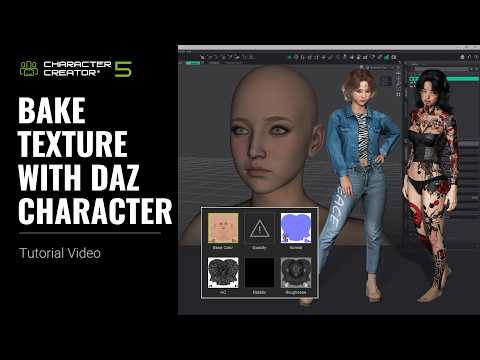
Bake Texture with Daz Character | Character Creator 5 Tutorial
Depending on the different situations, we can transfer textures into CC using Basic Import, Advanced Import, or INI Settings, and we can also use the SkinGen Tool to bring special Daz materials into CC. Learn more about Daz transformer: https://www.reallusion.com/character-creator/daz3d.html 00:15 Basic Import 03:55 Advanced Import 05:38 INI Settings 08:53 SkinGen UV Transfer *Note: Assets shown in this tutorial serve only as reference material. Character Creator 5 (CC5) is a full character creation solution for designers to easily generate, import and customize stylized or realistic character assets for use with iClone, Maya, Blender, Unreal Engine, Unity, Daz3D, 3dsMax, or any other 3D tools. CC5 connects industry-leading pipelines with one system for 3D character generation, animation rig, asset management, look-dev rendering, and interactive design. ✦WATCH MORE Learn about Character Creator: https://www.reallusion.com/character-creator/default.html Learn about iClone animations: http://www.reallusion.com/iclone/default.html ✦FOLLOW US! Facebook: https://www.facebook.com/ReallusionSoftware/ LinkedIn: https://www.linkedin.com/company/94371 Twitter: https://twitter.com/reallusion Instagram: https://www.instagram.com/reallusionofficial/ Magazine: https://magazine.reallusion.com/ Forum: https://discussions.reallusion.com/ *Character Creator* TUTORIALS: https://courses.reallusion.com/home/character-creator MANUAL: https://manual.reallusion.com/Character-Creator-5/Content/ENU/5.0/01_Welcome/Welcome.htm #cc5 #daz #digitalhuman
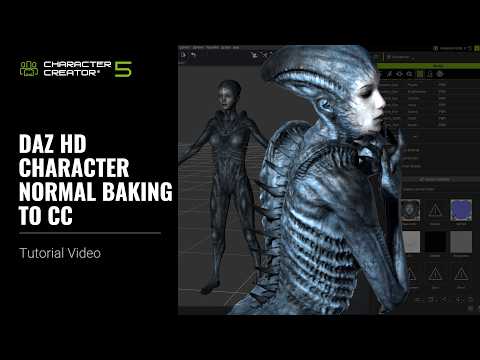
Daz HD Character Normal Baking to CC | Character Creator 5 Tutorial
By using Normal Baking, we can efficiently transfer all the high-resolution details from a Daz HD character into CC With these baked details, the character achieves a much more refined, realistic, and visually rich mesh appearance. 00:14 Basic & Advanced Import 03:41 Normal Baking *Note: Assets shown in this tutorial serve only as reference material. Character Creator 5 (CC5) is a full character creation solution for designers to easily generate, import and customize stylized or realistic character assets for use with iClone, Maya, Blender, Unreal Engine, Unity, Daz3D, 3dsMax, or any other 3D tools. CC5 connects industry-leading pipelines with one system for 3D character generation, animation rig, asset management, look-dev rendering, and interactive design. ✦WATCH MORE Learn about Character Creator: https://www.reallusion.com/character-creator/default.html Learn about iClone animations: http://www.reallusion.com/iclone/default.html ✦FOLLOW US! Facebook: https://www.facebook.com/ReallusionSoftware/ LinkedIn: https://www.linkedin.com/company/94371 Twitter: https://twitter.com/reallusion Instagram: https://www.instagram.com/reallusionofficial/ Magazine: https://magazine.reallusion.com/ Forum: https://discussions.reallusion.com/ *Character Creator* TUTORIALS: https://courses.reallusion.com/home/character-creator MANUAL: https://manual.reallusion.com/Character-Creator-5/Content/ENU/5.0/01_Welcome/Welcome.htm #cc5 #daz #digitalhuman
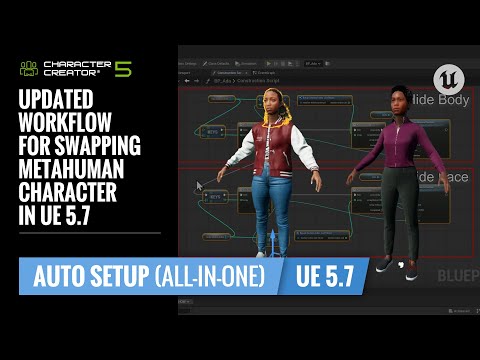
Updated Workflow for Swapping MetaHuman Character in Unreal 5.7 | CC & UE Workflow Tutorial
Since Unreal Engine 5.7 introduces changes to some underlying node structures, we now need to follow an updated procedure to properly hide the body mesh in UE 5.7. If you’re using a version prior to 5.7, you can safely skip this tutorial. 00:22 Updated Workflow 03:04 Preserve Body Mesh Only *Note: Assets shown in this tutorial serve only as reference material. ✦WATCH MORE Learn about Character Creator: https://www.reallusion.com/character-creator/default.html Learn about iClone animations: http://www.reallusion.com/iclone/default.html ✦FOLLOW US! Reallusion Forum: https://discussions.reallusion.com/ Facebook: https://www.facebook.com/ReallusionSoftware/ LinkedIn: https://www.linkedin.com/company/94371 X: https://x.com/reallusion Instagram: https://www.instagram.com/reallusionofficial/ Magazine: https://magazine.reallusion.com/ Character Creator TUTORIALS: https://courses.reallusion.com/home/character-creator #cc5 #UE #UnrealEngine
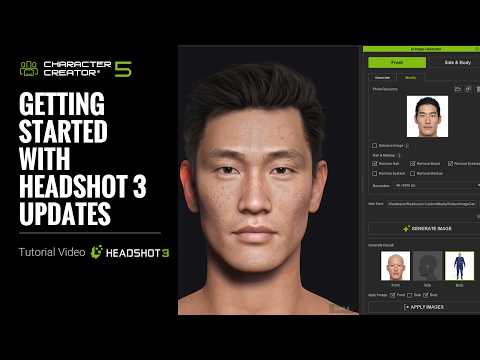
Getting Started with Headshot 3 Updates | Headshot 3 Plug-in Tutorial
TL;DR: This tutorial reveals the NEW AI-assisted workflow for Headshot 3 in Character Creator 5, empowering 3D artists, indie developers, and studios to rapidly generate highly accurate 3D heads and full-body characters directly from reference images, solving complex modeling challenges with cutting-edge AI. 00:17 Installation 01:54 Prepare Source Image with AI 02:41 Enhance Image 06:47 Adjust Feature Presets 07:40 Sculpt Morph 09:02 Image Matching Tools 11:08 Regenerate Character 12:05 Refine Face (Front) 13:41 Refine Face (Side) *Note: Assets shown in this tutorial serve only as reference material. 🔑 Key Takeaways & Features: - Generate photorealistic 3D characters from single images or AI-generated references in Character Creator 5. - Enhance source photos using Headshot 3's AI to neutralize expressions, correct lighting, and remove hair for ideal reference. - Create high-fidelity facial and body models by leveraging 4K/8K texture projection and over 1,400 precision morph sliders. - Sculpt intricate facial details with interactive Bezier controls and real-time morph updates in both front and side views. - Fine-tune character proportions, iris size, and color, along with face planner perspective for accurate likeness from any reference. ❓ Frequently Asked Questions: Q: How do I install Headshot 3 for Character Creator 5? A: Install Headshot 3 by opening Reallusion Hub, navigating to Character Creator's plugins section, and clicking install for Headshot 3. Q: What image resolutions are recommended for Headshot 3 character generation? A: For high-quality projection results, 4K image output resolution is recommended for source images, and real-time render settings can be increased to 4K or 8K. Q: Can I modify AI-generated reference images in Headshot 3? A: Yes, you can use the modify tab's enhance option to neutralize expressions, straighten head position, correct lighting, and remove elements like hair or beards. 💻 Software & Tools Used: - Character Creator 5 - Headshot 3 plugin for Character Creator 5 - Reallusion Hub - Content Manager 📝 Comprehensive Video Summary: This tutorial, "Getting Started with Headshot 3 Updates," meticulously details the advanced AI-assisted workflow within Character Creator 5 for generating highly realistic 3D characters. Reallusion experts guide viewers through installing the Headshot 3 plugin and utilizing its image workflow, which supports both direct photo import and an integrated AI image generator. The process covers enhancing reference images, generating comprehensive front, side, and body views, and leveraging over 1,400 morph sliders for intricate facial and body adjustments. The video demonstrates sculpt morph tools, precise image matching with Bezier controls, and optimizing 4K/8K texture quality. This comprehensive guide enables artists to create true-to-life digital humans with exceptional likeness and detail directly within Character Creator 5. (For the complete technical breakdown and software demonstration, please enable Closed Captions). ❆LEARN MORE❆ Learn about Character Creator 5: https://www.reallusion.com/character-creator/ ✦FOLLOW US✦ Instagram: https://www.instagram.com/reallusionofficial/ Facebook: https://www.facebook.com/ReallusionSoftware/ TikTok: https://www.tiktok.com/@reallusionofficial LinkedIn: https://www.linkedin.com/company/reallusion Twitter: https://twitter.com/reallusion Blog: https://magazine.reallusion.com/ Forum: https://discussions.reallusion.com/ ❆ONLINE HELP❆ Character Creator 5: https://courses.reallusion.com/home/character-creator #CharacterCreator5 #Headshot3
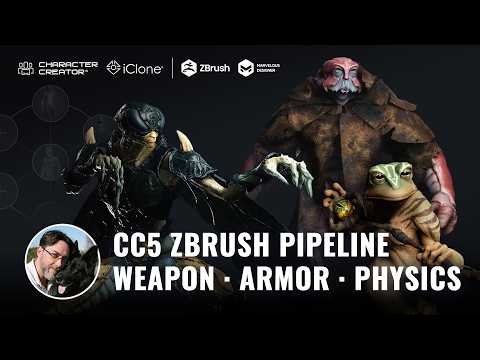
CC5 to ZBrush Workflow: Equipping Alien Characters with Accessories, Armor, and Cloth Physics
TL;DR: This video guides 3D artists and animators through an advanced Character Creator 5 workflow, demonstrating how to equip alien characters with production-ready accessories, dynamic armor, and realistic cloth physics. Learn to seamlessly integrate ZBrush sculpts, Substance Painter textures, and Marvelous Designer simulations for animation. ⏱️ Video Chapters: 00:00 Introduction: Advanced Alien Character Workflow 02:11 Concept Art — Setting the Visual Direction 02:48 Base Mesh Setup in Character Creator 5 03:41 ZBrush Sculpting for CC5 Characters 04:08 Reducing Finger Count Without Breaking the Rig 05:26 Sculpting Organic Details & Expressions 06:26 PolyPaint & Color Design Workflow 07:24 Returning ZBrush Sculpt to Character Creator 5 08:32 Linking Weapons & Accessories in CC5 10:49 Armor Design & Texturing in Substance Painter 13:13 Transfer Skin Weight in Character Creator 5 13:40 Cloth Physics Setup 14:15 Create the Garment in Marvelous Designer 15:23 Real-time Physics in Character Creator 5 16:47 Advanced Cloth Simulation in Marvelous Designer & iClone 18:25 Conclusion: Streamlined Production Workflow 🔑 Key Takeaways & Features: - Leverage Character Creator 5's HD mesh and native morphs to define initial alien proportions and primary volumes, ensuring rigging system and topology are optimized for extreme deformations. - Adapt ZBrush workflows to safely modify character anatomy, such as altering finger counts from a 5-finger HDC5 base to 3 or 4 fingers, maintaining original weight mapping and bone hierarchy for seamless export. - Automate data transfer and map generation between ZBrush and Character Creator 5 using Go Z Plus, exporting subdivision levels 0 and 1 for animation-ready base meshes with support for color, normal, and displacement maps. - Implement realistic garment dynamics by creating custom cloth in Marvelous Designer, applying transparency with Substance Painter's PBR alpha blending, and defining physics weight maps directly in ZBrush for dynamic response in Character Creator 5. - Achieve film-level cloth simulation by exporting animated character FBX from Character Creator 5 (Marmmaet preset, 30 FPS, bind pose + 60 frame transition) to Marvelous Designer, then exporting cloth geometry as an Alembic (.abc) file for perfect inertia, weight, and collision. ❓ Frequently Asked Questions: Q: How do I attach custom accessories to characters in Character Creator 5? A: Attach custom accessories by positioning them with the transform gizmo and then using the "pick parent" function to link them directly to the character's corresponding bone. Q: What is the process for adding deformable armor to Character Creator 5 characters? A: Add deformable armor by using the "transfer skin weights" tool in Character Creator 5, which automatically calculates how the armor should be influenced by the character's underlying skeleton. Q: How can I achieve advanced cloth physics simulations for Character Creator 5 characters? A: Achieve advanced cloth physics by creating garments in Marvelous Designer using a low-subdivision Character Creator 5 base mesh as a collision avatar, then exporting the animated cloth as an Alembic (.abc) file for high-fidelity dynamics. 💻 Software & Tools Used: - Character Creator 5 - ZBrush - Marvelous Designer - Substance Painter - iClone 📝 Comprehensive Video Summary: This video, presented by digital sculptor Oscar Fernandez with conceptual designs from KitKart, offers an in-depth workflow for equipping alien characters with production-ready accessories, armor, and dynamic cloth physics using Character Creator 5, ZBrush, Marvelous Designer, and Substance Painter. Fernandez demonstrates streamlining character creation by leveraging Character Creator 5's HD mesh for anatomical modifications, safely adapting ZBrush sculpts for unique alien features like finger count, and automating data transfer. The tutorial covers integrating custom weapons and armor, utilizing CC5's rigging for both rigid and deformable elements, and achieving realistic cloth simulations. It explores both real-time physics within Character Creator 5 and advanced cinematic results through Alembic export for iClone and Marvelous Designer, proving an intuitive pathway for professional-level animation assets. (For the complete technical breakdown and software demonstration, please enable Closed Captions). ❆LEARN MORE❆ Learn about Character Creator 5: https://www.reallusion.com/character-creator/ ✦FOLLOW US✦ Instagram: https://www.instagram.com/reallusionofficial/ Facebook: https://www.facebook.com/ReallusionSoftware/ TikTok: https://www.tiktok.com/@reallusionofficial LinkedIn: https://www.linkedin.com/company/reallusion Twitter: https://twitter.com/reallusion Blog: https://magazine.reallusion.com/ Forum: https://discussions.reallusion.com/ ❆ONLINE HELP❆ Character Creator 5: https://courses.reallusion.com/home/character-creator #CharacterCreator5 #ZBrush #MarvelousDesigner
Getting Started with Character Creator 5
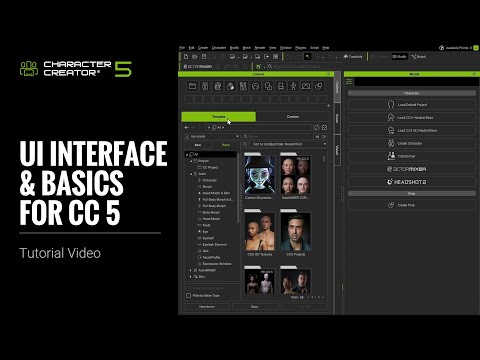
UI Interface & Basics Step-by-step Guide for CC5

Discover how Indigo Studios uses Character Creator 5 and Unreal Engine to build realistic characters for their mystery game The Family Crypt.
Getting Started with Character Creator 5
Discover how Indigo Studios uses Character Creator 5 and Unreal Engine to build realistic characters for their mystery game The Family Crypt.
UI Interface & Basics Step-by-step Guide for CC5